The evolution of interaction
We have all spent the last few years getting used to the chat interface. You type a question, a chatbot gives you an answer, and the whole thing lives inside that one conversation window. It is a back and forth process that requires your constant attention at every step. But something fundamental is shifting right now. We are moving from AI that talks to AI that does.
If you are still getting familiar with chatbots like ChatGPT and Claude, our Start Here guides cover the basics before diving into agents.
AI agents vs chatbots: what is the difference?
Think of it this way. If a chatbot is a smart intern who can find you the right books in a library, an agent is the colleague who reads those books, pulls out the relevant chapters, writes up a summary, and drops the finished report on your desk while you are at lunch.
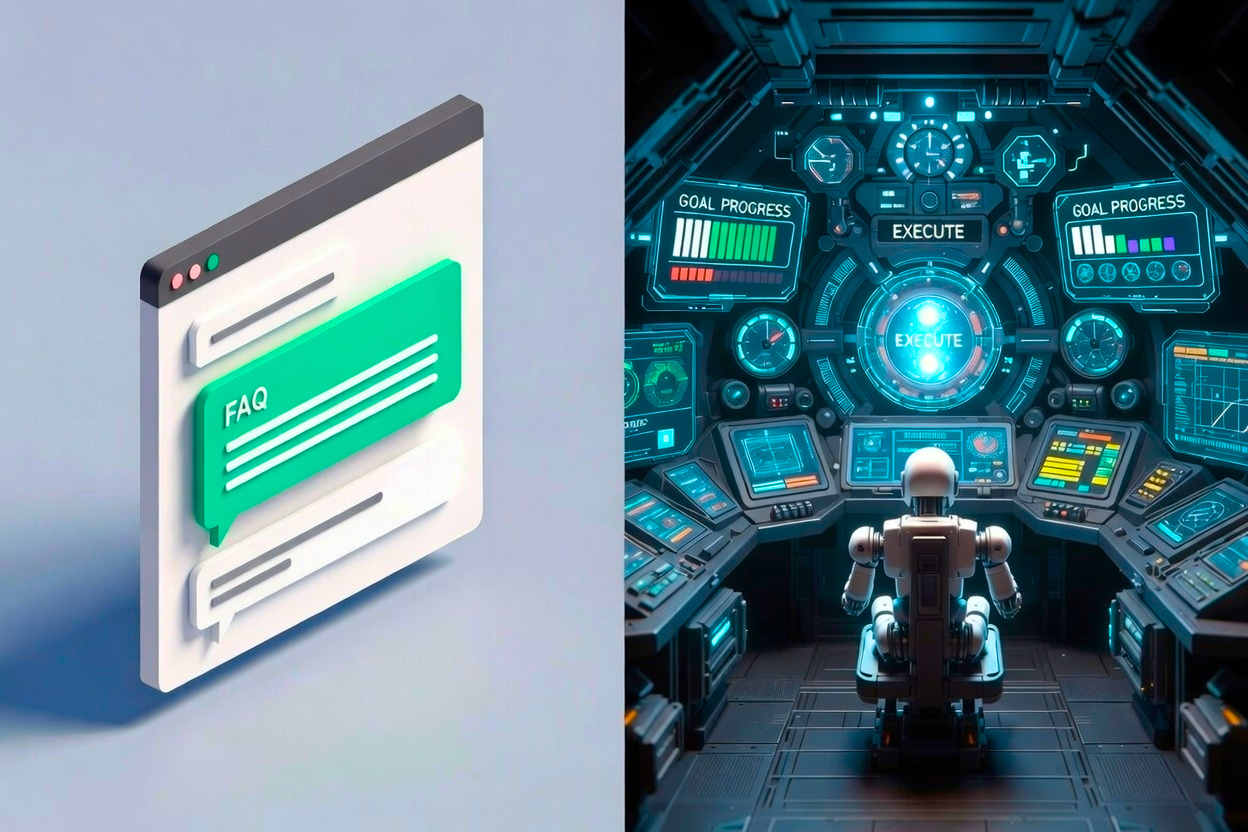
The core difference between AI agents and chatbots comes down to two things: autonomy and the ability to work outside the chat window. A chatbot is reactive. It sits inside a browser tab, waits for your prompt, and gives you text back. That is it. An agent goes further. It can break a complex goal into smaller steps, decide which tools to use, and execute those steps on its own without you clicking "send" after every single action. Agents can manage your email, conduct deep research and analysis, create and edit documents, browse the web, organize files on your computer, and much more.
While ChatGPT can write you a travel itinerary if you ask, an AI agent can check your calendar for open dates, search for flights and hotels, compare prices, and put together a complete trip plan without you doing any of that legwork yourself.
The first true AI agent for everyone: Claude Cowork
As of early 2026, there is really only one fully agentic AI product available to non-technical users, and that is Claude Cowork from Anthropic. Google, OpenAI, and Microsoft are all racing to release their own versions, but Cowork is the one you can actually use today.
So what makes Cowork different from just chatting with Claude or ChatGPT in a browser? The short answer is that Cowork does not stay inside the chat window. It connects to your actual computer. It can see your local files and folders, read and create documents, browse the web on your behalf, and carry out multi-step tasks without you having to copy and paste anything back and forth.
Here is a concrete example. Say you have a folder full of meeting notes, expense reports, and project updates scattered across different files. In a regular chatbot, you would have to open each file, copy the text, paste it into the chat, and then ask for a summary one piece at a time. With Cowork, you just tell it to go through that folder, read everything, and produce a consolidated summary. It does the rest.
Interested in trying it? Check out Anthropic's Getting Started with Cowork guide for step-by-step instructions, or read our own setup walkthrough. Note: Claude Cowork is available on macOS and Windows for Pro Plan subscribers.
This is what makes agents such a big deal. Your ability to get things done is no longer limited by your technical skill in any specific tool. It is limited by your ability to direct the agent clearly. One person with a well-directed agent can now operate with the scope and output that previously required a small team.
A note on coding agents
Before general-purpose agents like Cowork existed, the word "agent" in AI almost exclusively meant a coding agent. Tools like Claude Code from Anthropic and Codex from OpenAI were among the first true agents, built for software developers who wanted AI to autonomously work through a codebase and make changes across an entire project just by describing what they wanted. These tools were genuinely impressive, but they required a developer to use them effectively and lived entirely in terminal or code editor environments.
General-purpose agents like Cowork represent the next step in that evolution. They take the same idea of autonomous, multi-step work and extend it well beyond code: managing email, reading documents, organizing files, doing research, and running complex workflows that have nothing to do with software development. If you have seen "agent" used in a lot of different ways and found it confusing, this could be why. The term started with coding and has since expanded to describe a much broader category of AI that can take action on your behalf.
Becoming a master agent user
To thrive in this era, you have to move beyond just "prompting." The best agent users in 2026 are developing two specific habits:
1. The "product manager" balance
Success with agents requires a balance of high level thinking and low level attention. You need to think like a product manager about the end goal and the experience you want. But you also have to be willing to dive into the details when something goes wrong. The trap is getting stuck on one side. If you review every tiny change the agent makes, you lose the efficiency that makes agents valuable in the first place. If you never check the work, you will run into hallucinations and mistakes that slip through. Learning to evaluate whether the output matches what you actually wanted is an essential new skill.
2. Clear thinking and communication
With chatbots, you could be vague and iterate your way to clarity through a few rounds of conversation. With agents, clarity up front matters much more. You need to think through your goal before you delegate. What exactly does the finished product look like? What constraints matter? What should the agent prioritize if it has to make trade-offs? An agent will not always stop and ask for clarification. It will make assumptions and keep going. The people who get the best results from agents are not necessarily the most technical. They are the clearest thinkers and communicators.
What can you actually use agents for?
If you are wondering where to start, here are seven of the most impactful ways people are using AI agents right now. Our complete guide to AI agent use cases goes deeper into each one with ready-to-use prompts.
- Email and communication management. Triage your inbox, draft responses in your voice, track follow-ups, and coordinate meeting schedules without touching your email client.
- Research and information synthesis. Gather data from multiple sources, compile market research, analyze competitors, and produce briefing documents you can act on immediately.
- Document creation and formatting. Turn raw notes and data into polished proposals, reports, SOPs, and client deliverables that follow your templates and brand guidelines.
- Process automation and browser workflows. Orchestrate multi-step workflows like client onboarding, vendor evaluation, or competitive price monitoring across your files and the web.
- Content reformatting and repurposing. Transform a long report into an executive summary, convert a document into a slide deck, or adapt one piece of content for multiple channels.
- File organization and management. Clean up messy folder structures, enforce naming conventions, detect duplicates, and set up new project folders with consistent templates.
- Software development. Write features, debug issues, refactor code, generate tests, and produce documentation. This category uses specialized coding agents rather than general-purpose tools.
Wrapping up
We are moving out of the era of "chatting" with AI and into the era of delegating to it. The rise of agents is a massive expansion of what a single person can accomplish. Start small. Let an agent handle a repetitive file task or summarize a messy folder of documents. The more you practice directing, the more you will realize that your only real limit is how clearly you can think about what you want.
Learn more about AI agents
We have put together a dedicated collection of guides, tutorials, and practical resources to help you get comfortable with this new technology. From beginner-friendly introductions to advanced agent workflows, our Intro to Agents section covers everything you need to start directing AI agents with confidence.